Follow a note through the session
When a microphone captures a voice, the recording becomes audio data. An audio track can play that recording through the session's output path. When a MIDI keyboard records a note performance, the session stores information such as which note was played and when. A software or hardware instrument must turn those instructions into sound.
A MIDI clip can therefore appear on the timeline while remaining silent if no suitable instrument is connected. Ableton's plug-in documentation describes instrument plug-ins as receiving MIDI and producing audio. Other DAWs may combine the functions into an instrument-track type, but the distinction between instructions and sound still matters.
Choose the kind of edit you need
In a MIDI performance, changing a note's pitch or length can be a direct edit to the stored event. The sound can also be replaced by another compatible instrument. In an audio recording, the performance is already captured as a waveform. Editing timing or pitch uses different tools and may affect the result in different ways.
Neither format is inherently the more authentic way to work. A singer's performance naturally begins as audio, while a controller-driven synthesizer part may benefit from MIDI editing. Decide what flexibility you need and preserve the original material before making large changes. A duplicated track or saved revision is often useful when trying a new approach.
External instruments use two paths
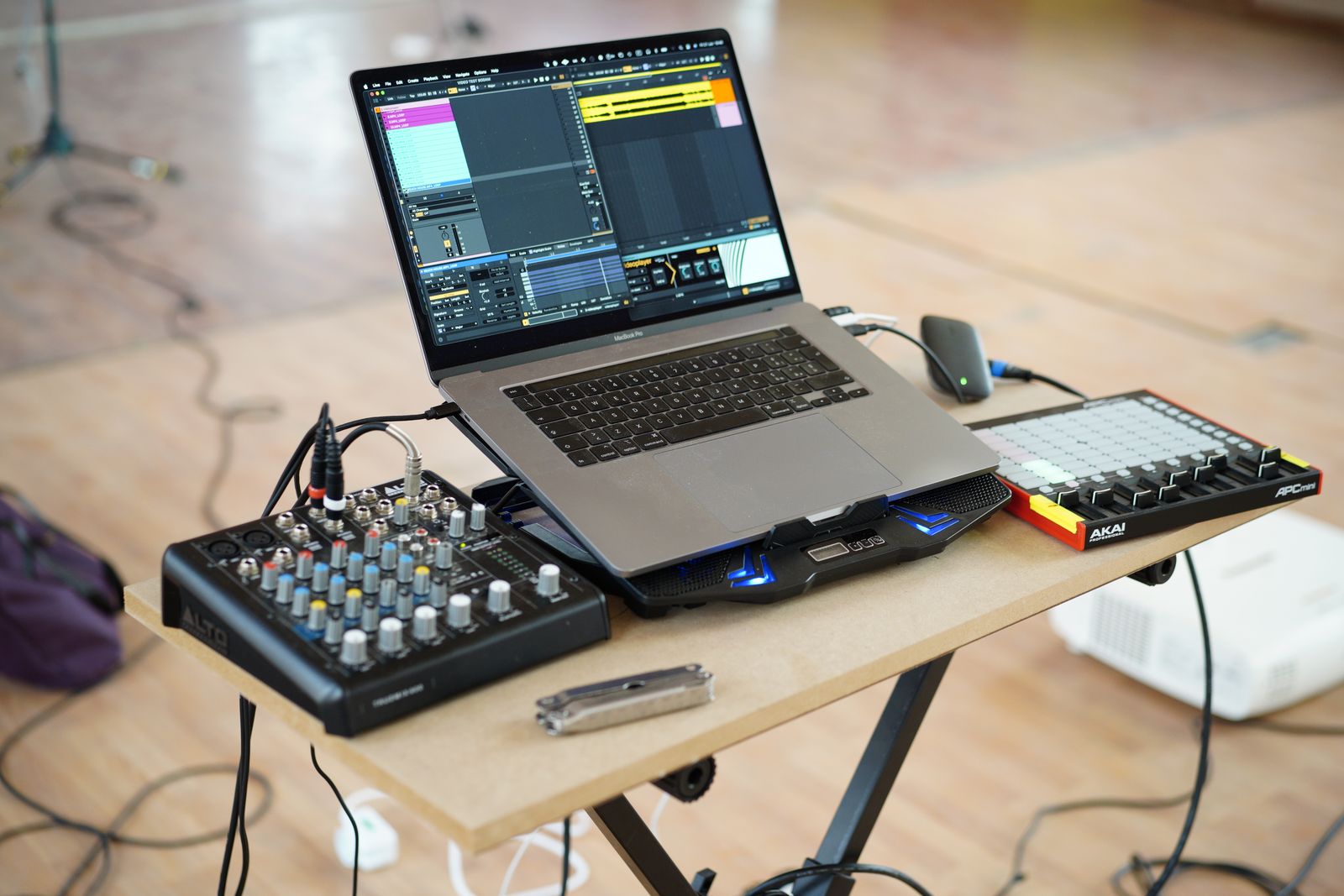
A hardware keyboard may receive MIDI from the DAW and produce sound at its audio outputs. Recording only the MIDI does not preserve that exact sound as an audio file. To capture it, route the instrument's audio into a compatible input and record it, or use the device's supported USB-audio function if available.
Document the hardware preset and settings that matter. A MIDI file cannot necessarily restore a custom patch, an external effect or a knob position. If the instrument may not be available later, record an audio version while the setup is working. Keep the MIDI as well if you want to revise the performance.
Share what the recipient can use
Sending a MIDI file to someone who lacks the same instrument can produce a different sound or no intended sound at all. Sending rendered audio preserves the audible result more directly, though it gives the recipient less freedom to change individual notes or the underlying patch. Ask whether the collaborator needs editable performance data, audio or both.
Before sharing, export a short test and play it outside the DAW. Confirm that the file contains the intended sound and that its start position is clear. If several parts must line up, use a common export range and name them unambiguously. Do not assume the recipient can infer timing from unrelated file lengths.
A useful project can contain both forms: MIDI for revision and audio for a stable record of the result. Keeping them labeled avoids a future session in which an apparently complete arrangement depends on an unavailable instrument to make any sound.