Separate recording format from processing format
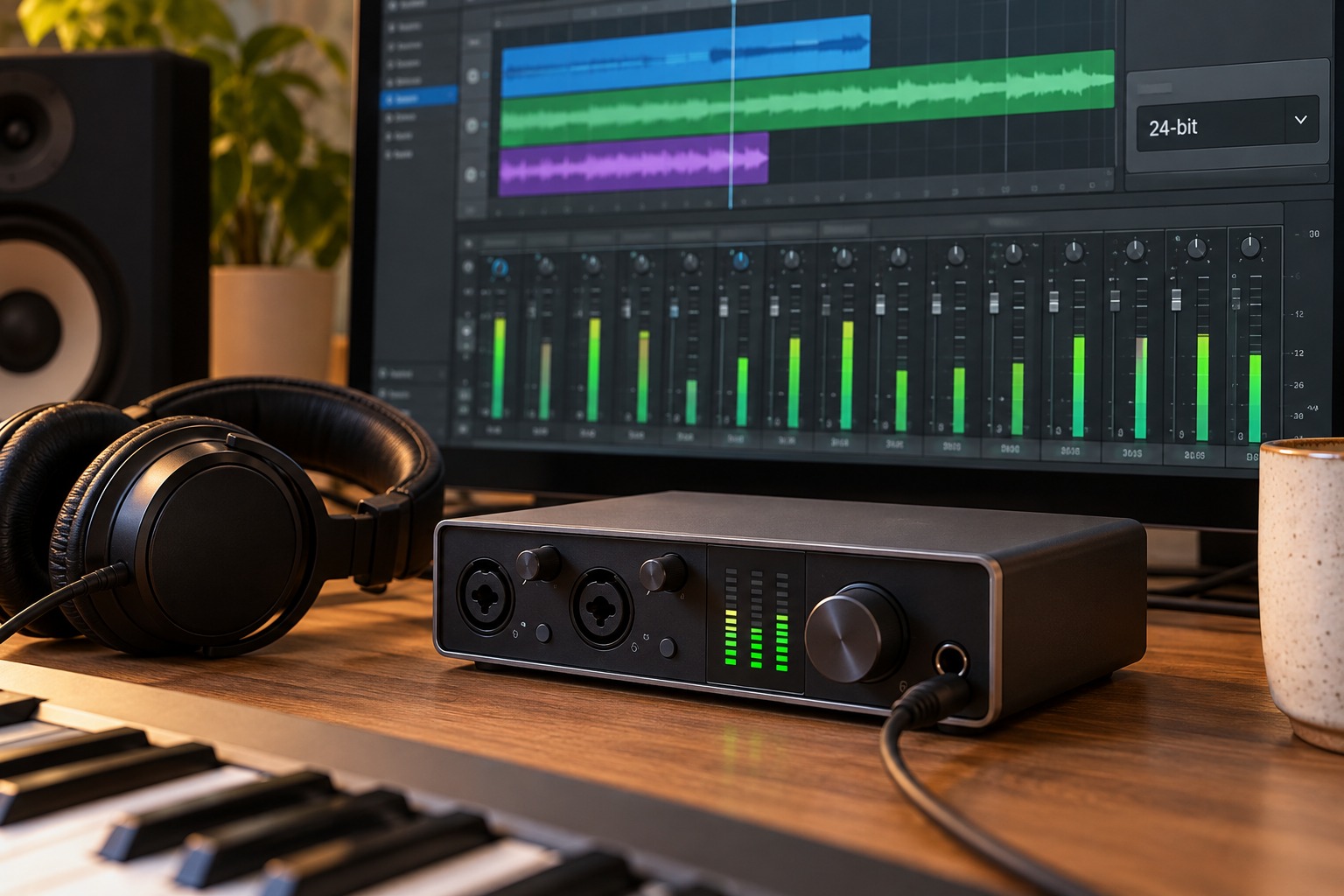
A recording application may use one internal processing format while storing recorded audio in another. Check the project’s recording settings rather than assuming an internal 32-bit or 64-bit processing label describes the files being captured. The interface, driver, and software configuration all need to support the intended recording arrangement.
Focusrite’s digital-audio explanation connects bit depth with dynamic range and distinguishes it from sample rate. For an ordinary supported 24-bit recording workflow, you do not need to push every peak close to the digital ceiling. Leave headroom for performance variation and use the monitoring controls to set a comfortable listening level.
A file format does not remove every overload point
Some recording systems offer 32-bit float capture with a suitable hardware design and software path. That can provide useful level flexibility, but it does not make a microphone or analog input unlimited. RØDE’s NT1 fifth-generation guidance distinguishes recoverable monitoring-level issues from genuine distortion caused by exceeding the microphone’s acoustic limit.
Read the recorder or microphone’s own explanation of what its float mode protects against and what remains limited. Do not infer the same behavior from a file-extension setting in unrelated software. If a source overloads the physical input stage or microphone, changing the saved file format afterward cannot recreate the missing clean signal.
Verify the workflow before relying on it
Record a short test using the intended hardware and software settings, then reopen the resulting file in the application used for editing. Confirm the file properties and check that level adjustments behave as expected. Preserve the original capture while experimenting. If sharing with another editor, confirm that their software handles the format correctly.
Keep recording gain and source placement sensible even when a system offers extra recovery flexibility. A clear test at the beginning of the session is still valuable for finding cable faults, room noise, or the wrong input. Bit depth is one technical setting within that workflow, not a replacement for listening to the recording.
Export for the actual recipient
The final delivery format may differ from the working format. Follow the recipient’s requested bit depth and sample rate using the application’s documented export process. Keep a high-quality working copy and listen to the exported file from beginning to end. Avoid repeatedly converting the only copy between formats; retain the original session so another delivery can be made without rebuilding it from a reduced version.
Keep the original capture recognizable
When experimenting with level recovery or export formats, use copies and clear filenames. Distinguish the original capture from an adjusted working file and a final delivery. If several versions all have the same name in different folders, it becomes easy to judge the wrong one or overwrite the only untouched recording. Include the format in a note rather than relying on memory.
Open the delivered file in a fresh playback session after exporting. Check the beginning and end as well as the loudest passage, and confirm that no unintended silence or truncation was introduced. This final check tests the actual artifact the recipient will use. A project that sounds correct inside the editor does not by itself prove that the chosen export settings produced the intended result.