Inspect the clamp location
Check the desk thickness, underside frame, cable tray, drawers, and any beveled edge. A clamp may fit the thickness but still lack a flat bearing surface. Follow the arm manufacturer’s requirements for desk material and mounting. Glass, hollow, or fragile surfaces should not be treated as suitable just because the clamp can be tightened.
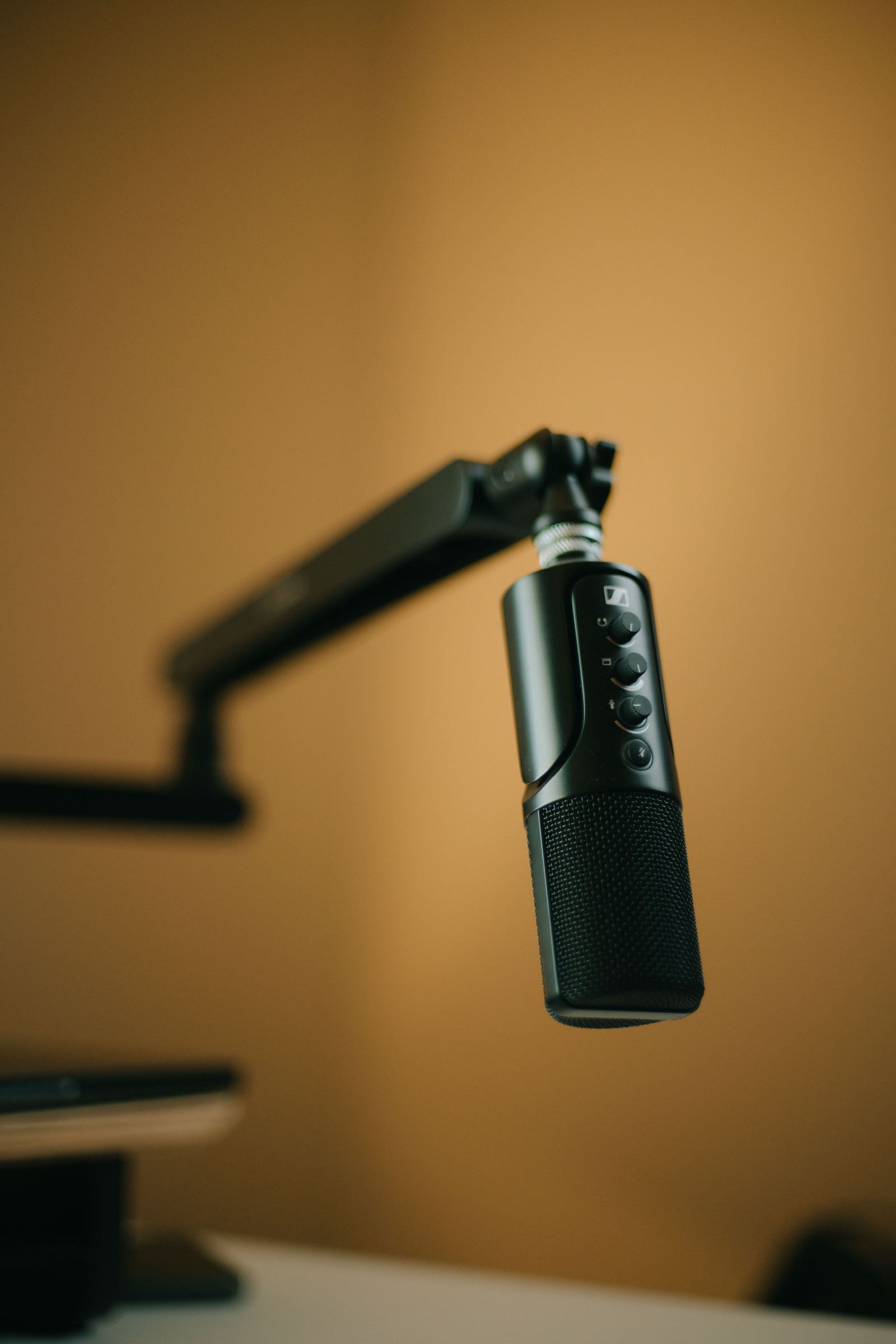
Choose a location that allows the microphone to reach your mouth without placing the arm across the main screen. Include the microphone mount and cable in the reach estimate. A clamp at the far back corner may look tidy while requiring the arm to remain fully extended, leaving little freedom to adjust the position.
Match the complete load
Add the microphone, shock mount, pop filter, and any attached accessories when comparing with the arm’s supported weight range. Some arms need a minimum load to remain in position as well as having a maximum load. A very light microphone can therefore be a poor match for an arm designed around heavier equipment.
Follow the tension-adjustment instructions with the assembly supported. Check that joints hold the intended position without drifting and that the microphone can be moved without the clamp rotating. Do not compensate for a mismatched load by overtightening every joint. If the arm requires constant correction during recording, the setup has not yet passed its basic usability test.
Move through the whole working range
Route the cable so each joint can move without pinching or pulling it. Leave appropriate slack near the microphone connector and desk connection. If the arm has internal routing, verify connector clearance before feeding the cable through. Keep any unused cable away from keyboard movement and chair wheels.
Test sitting, standing if relevant, reaching for the keyboard, and moving the microphone aside after a session. On a height-adjustable desk, check both extremes with the equipment connected. The arm should return to a useful position without obstructing the screen or pulling a cable. A good mount is one that makes recording easier to begin, not one that requires rearranging the entire desk each time.