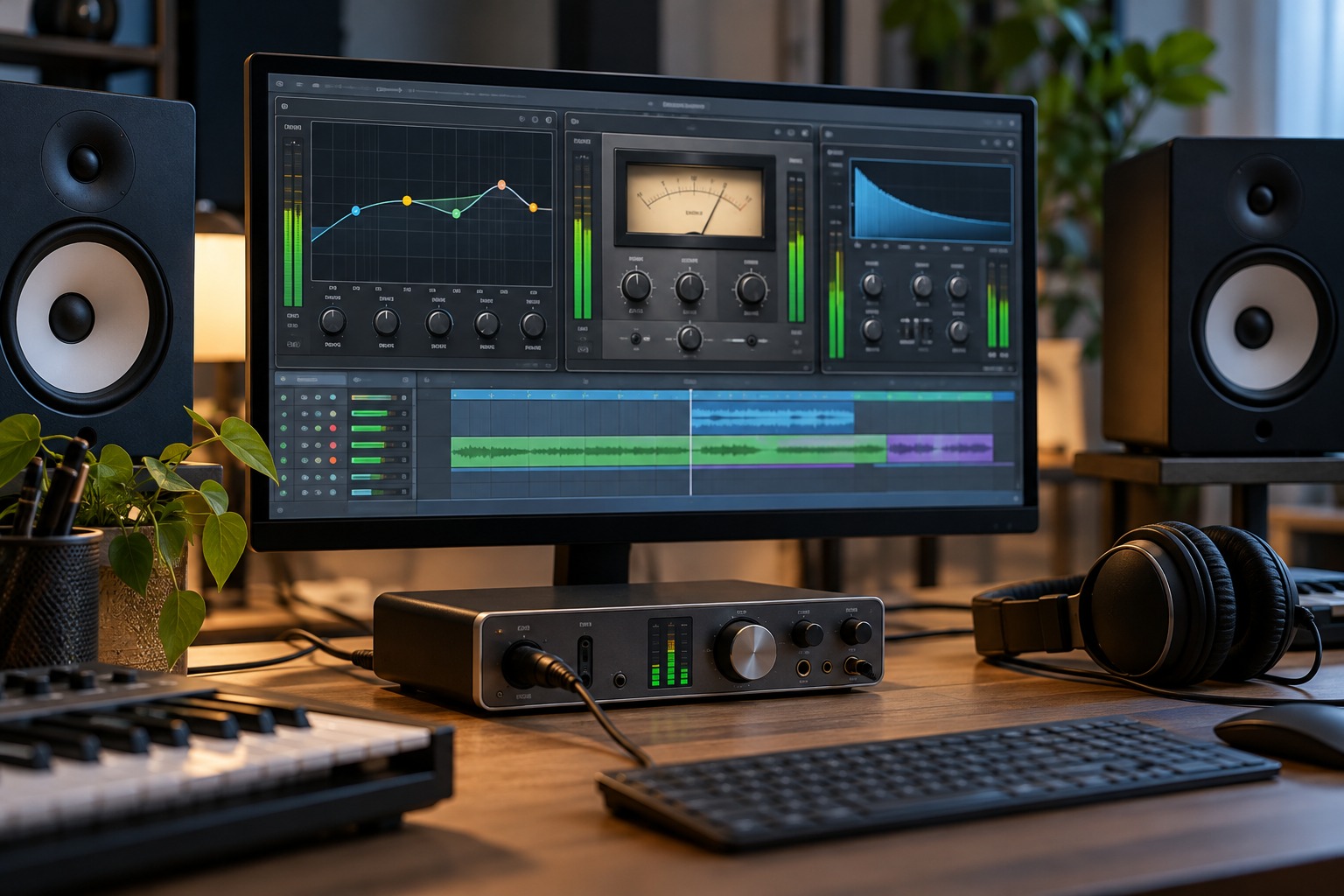
Start with the processor's intended behavior
Read the plug-in's input and output guidance, especially for processors that model level-dependent behavior. Some effects deliberately change character as input level rises. A clean utility processor may behave differently from a saturation or analog-modeled effect. Do not apply one fixed target level to every plug-in without considering its design.
Check the signal before the first effect. If the source is already problematic, adding more processors can make diagnosis harder. Work on a saved revision and begin with a simple chain so the effect of each stage remains understandable.
Compare at similar listening levels
An effect that makes the output louder can seem more impressive even when the tonal change is not useful. Use the output control, where appropriate, to bring the processed result close to the bypassed listening level. Then compare the actual change in tone, dynamics or space rather than the immediate impact of extra loudness.
This is an audition method, not a requirement that every stage's meters show identical numbers. Compression, equalization and distortion can change peaks and perceived level differently. Listen over a representative phrase, including louder sections, and watch the meters the plug-in provides. Avoid matching only one isolated transient.
Check what reaches the next stage
A boost in an equalizer can feed a stronger signal into a compressor or distortion effect farther down the chain. Changing the order can therefore change the result. Make one adjustment at a time and observe both the local output and the next processor's response. A chain is a sequence of interactions, not a set of independent presets.
If a warning or clipping indicator appears, determine where it occurs and what the product documentation says it means. Do not assume that reducing the final track fader corrects an overload earlier in the chain. Conversely, do not infer damage from every red graphic without understanding the meter. Use the host and processor guidance for the actual signal path.
Preserve the intended sound
Deliberate saturation is a creative choice; accidental level escalation is a different matter. If pushing an input creates the sound you want, compensate later as needed for comparison and downstream routing. Write down the reason for an unusual setting so it is not automatically corrected away during a later cleanup.
Before finishing, bypass and restore the chain at a sensible listening level and check the loudest section of the track. Confirm that the processing still serves the part in the full mix. A well-managed chain makes its changes easier to hear and revise, rather than merely accumulating level until the final output control has to hide it.