Read the device’s power requirement
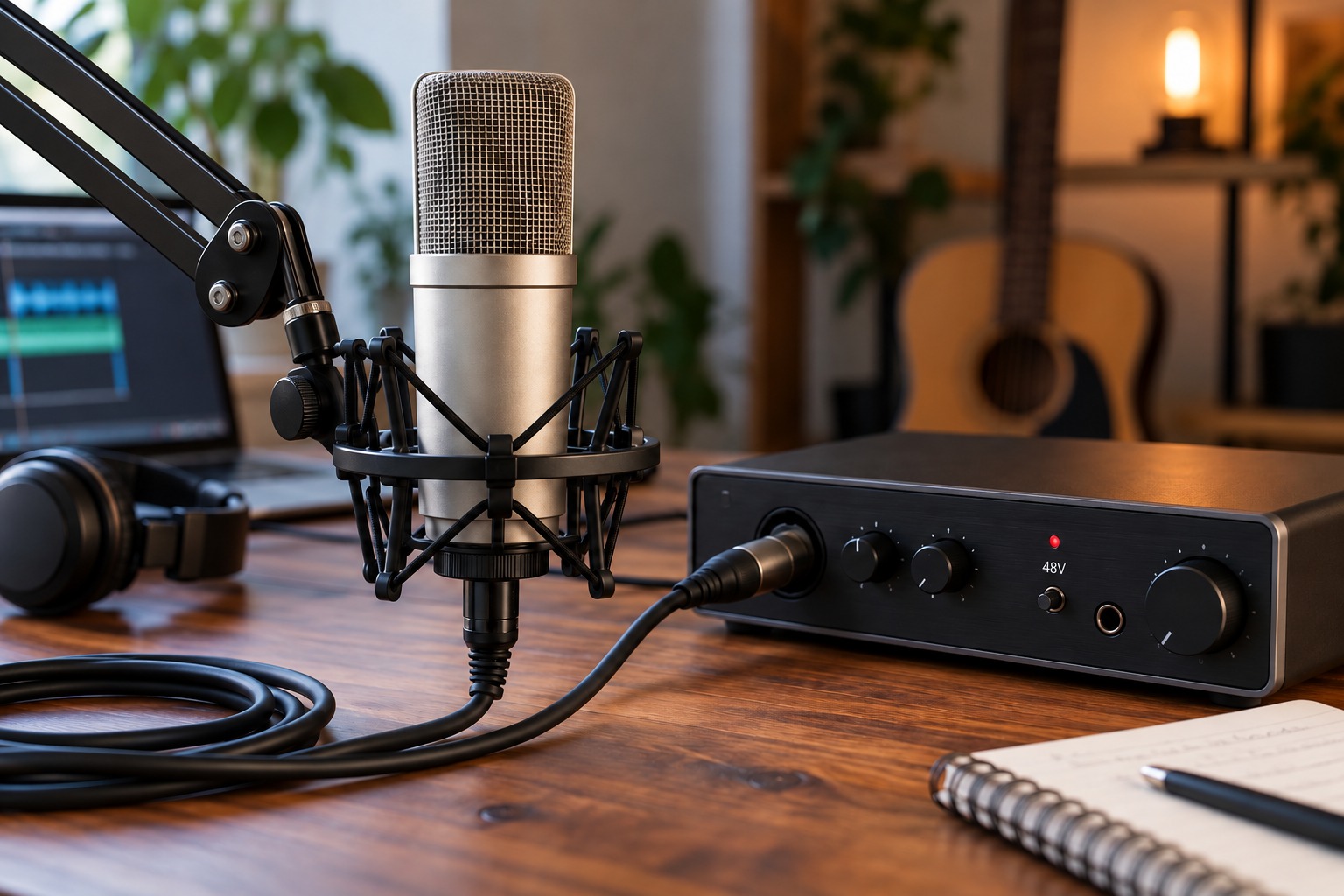
A condenser microphone may require phantom power, but the exact requirement belongs to its specification. Some active dynamic microphones, inline devices, and DI boxes also need power. Other equipment does not. Shure explains phantom power as a DC supply carried through the microphone cable; it is not a general boost that should be enabled whenever a recording is quiet.
Identify the microphone model and read its manual before connecting. Check the cable type and the interface’s supported supply. If a microphone uses its own power unit, follow that system’s instructions rather than assuming the interface’s 48V switch is part of the route. Keep uncertain vintage or modified equipment disconnected until its requirements are established.
Check what shares the switch
Some interfaces switch phantom power per channel; others apply it to a group. Inspect all devices in that group, not only the microphone that needs power. A balanced dynamic microphone may tolerate a correctly implemented supply, but that is not permission to ignore damaged cables, unusual wiring, or another device connected through an adapter.
Focusrite warns that inappropriate wiring and patching arrangements can expose equipment to damaging conditions. Avoid hot-patching phantom-powered microphones through arrangements the manufacturer does not support. Use the specified microphone connection and keep line-level outputs away from phantom-powered microphone inputs unless an explicitly compatible device provides the necessary interface.
Use a controlled connection sequence
Follow the interface and microphone instructions for connecting, enabling power, and allowing the microphone to settle. Lower or mute the listening path as directed so switching transients are not reproduced loudly. When disconnecting, turn the supply off and follow any specified waiting period. Do not invent a universal timing rule where the manufacturer gives a particular procedure.
After setup, confirm that the intended microphone produces a clean signal and that the gain setting suits the performance. If there is no signal, check input selection, cable seating, and power requirements systematically. Repeatedly toggling phantom power is not a diagnosis. Record the power setting in the session notes so a later cable or microphone change triggers a fresh compatibility check.
Treat a cable change as a new setup
A session can begin with a verified microphone connection and become uncertain when an adapter or patch point is added later. Pause before making that change. Identify whether the new route preserves the wiring and power arrangement required by the microphone and interface. Do not assume that a cable borrowed from a headphone or line-level setup is appropriate because its connectors can be made to fit.
For a shared interface, put a short note beside the channel list identifying which devices require power and whether the switch is global. The note should name the devices, not just say phantom on, because the attached equipment may change. When another person takes over the setup, this helps them understand why the switch was enabled and when the compatibility check needs to be repeated.