Match the microphone to the input
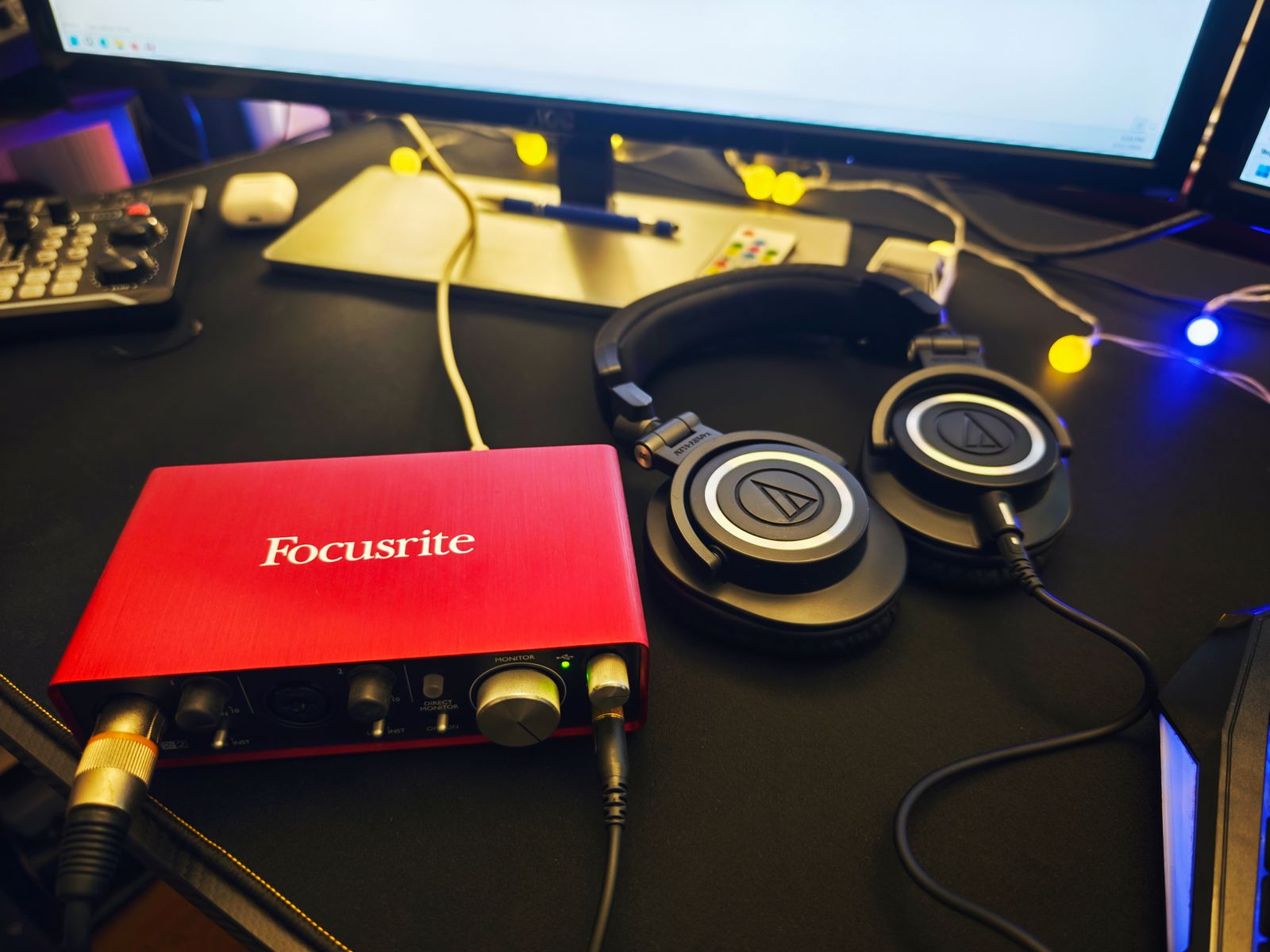
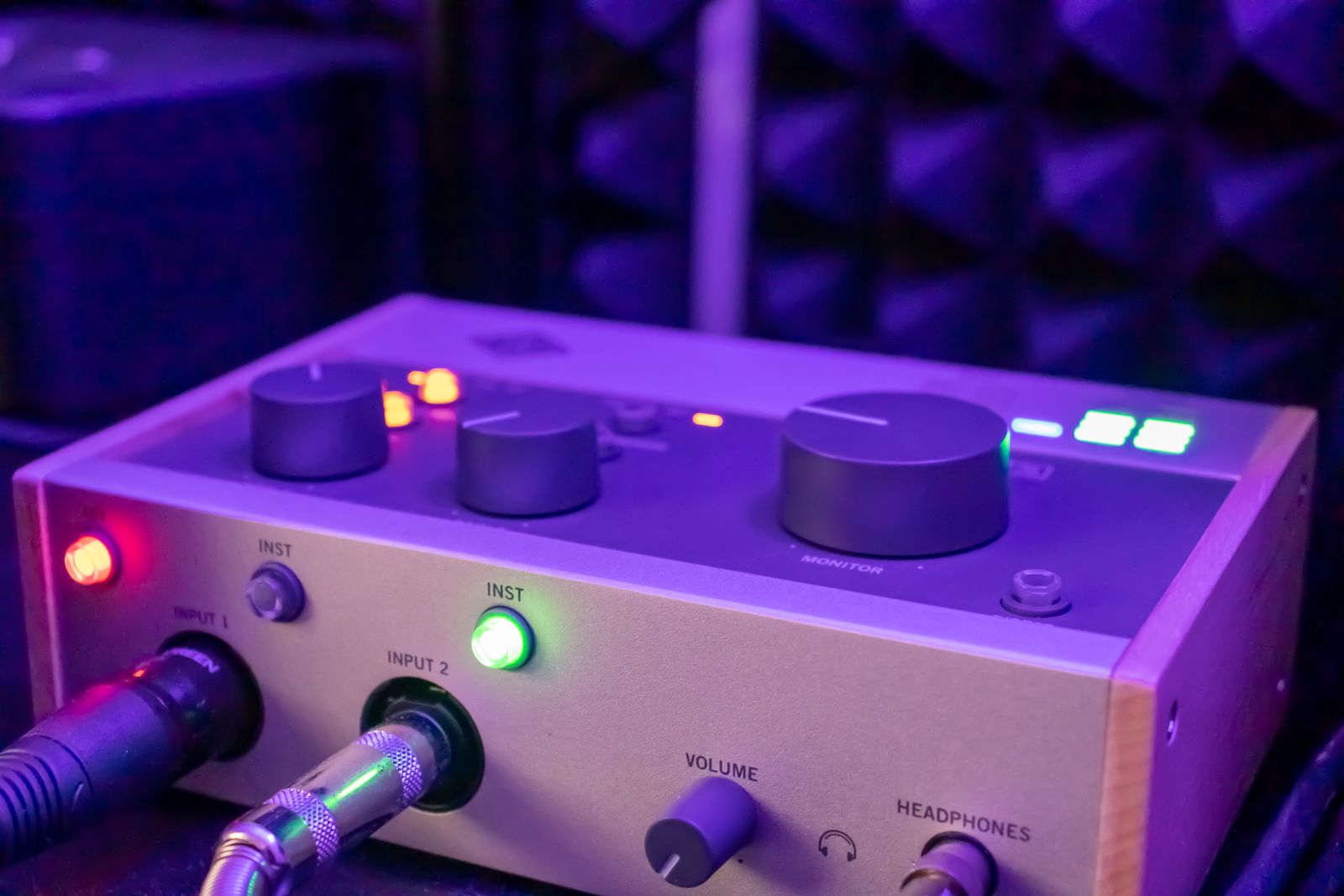
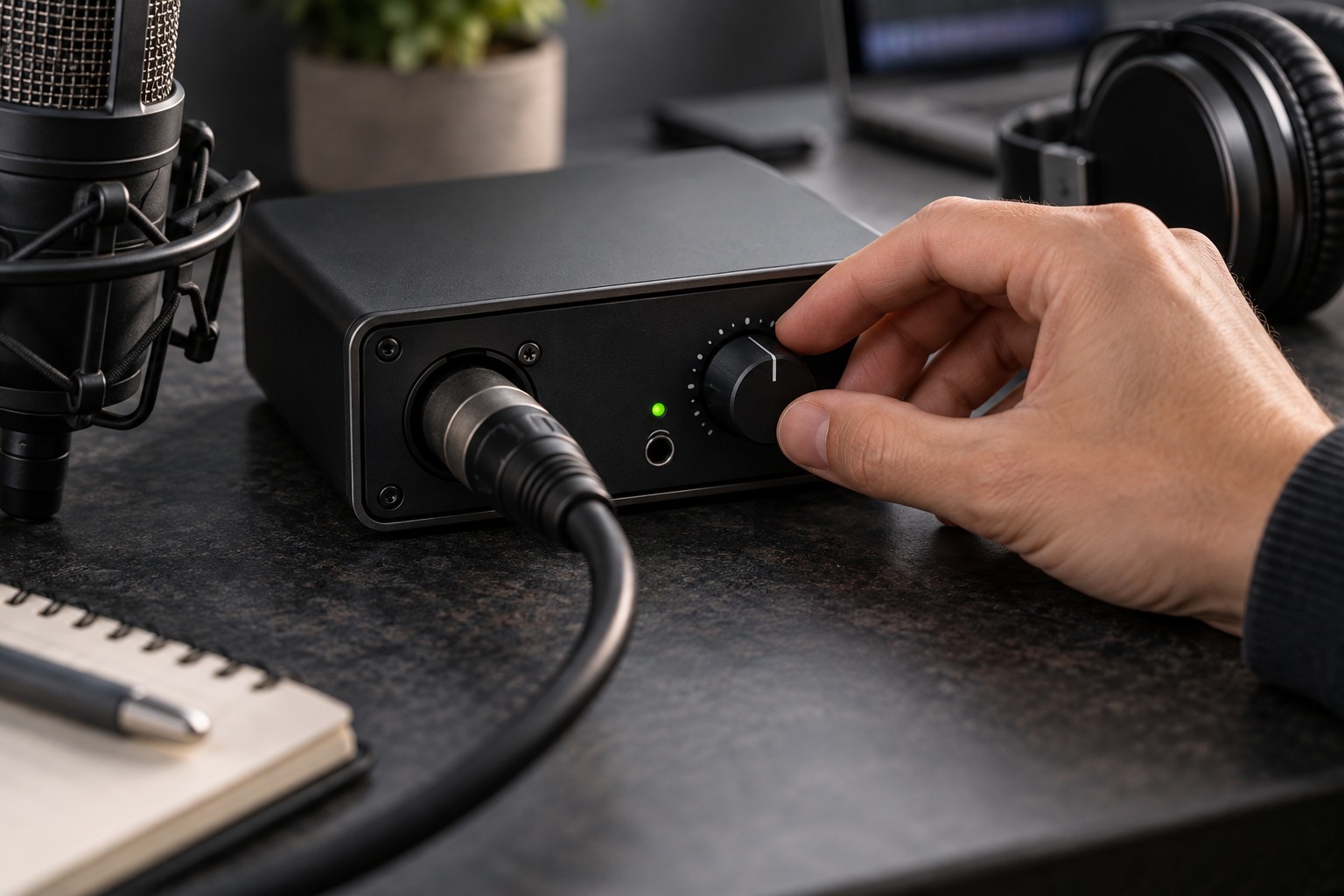
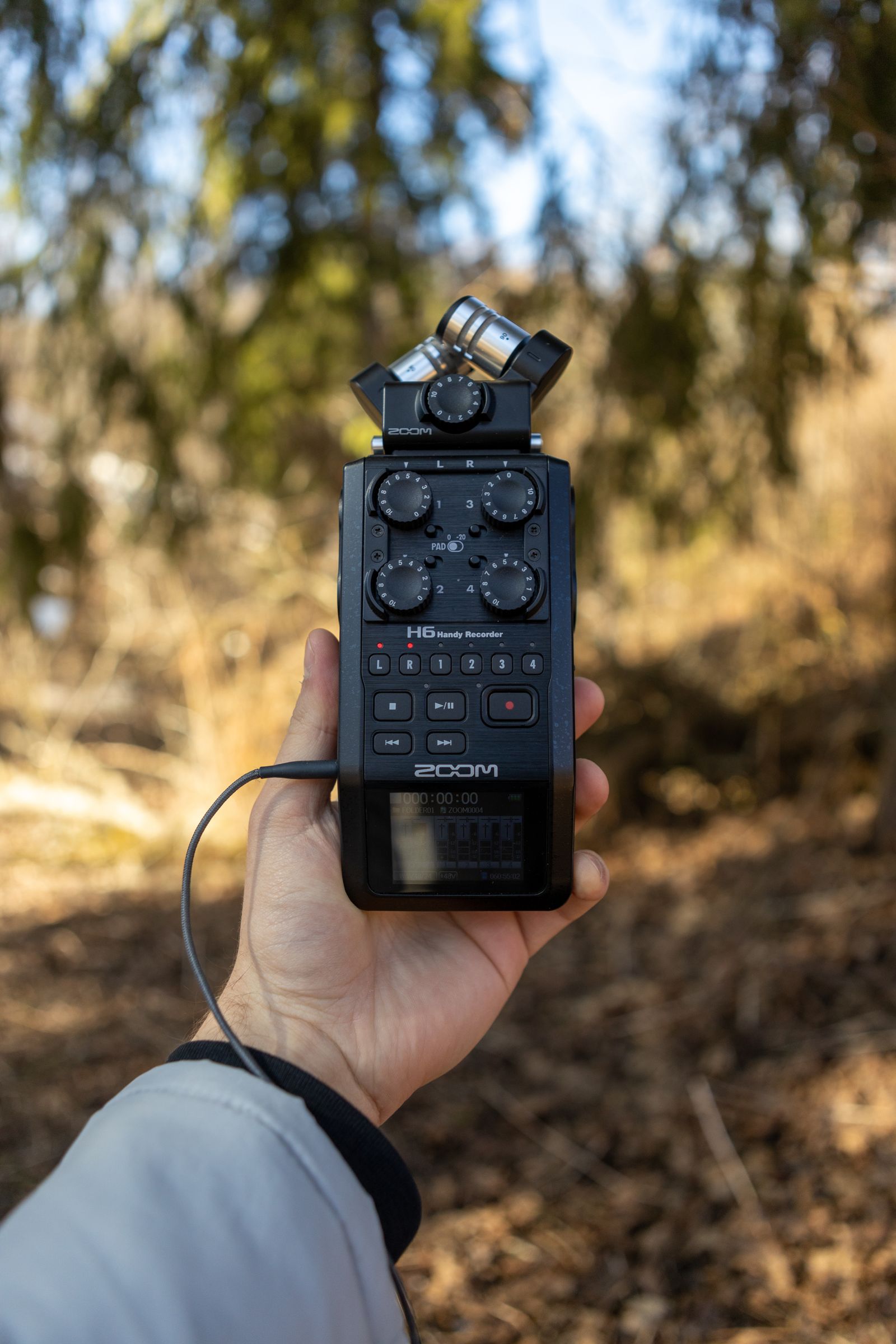
Portable recorders may offer XLR microphone inputs, line inputs, or a small microphone jack with plug-in power. These are different arrangements. Read the microphone’s required connection and supply, then compare them with the recorder manual. Phantom power and plug-in power are not interchangeable simply because both supply electricity to a microphone.
Zoom’s H4essential manual illustrates the distinction: its XLR inputs can supply phantom power, while its small MIC/LINE input offers a separate plug-in-power setting. The same manual notes that using that small input replaces the built-in XY microphone path. This is a model-specific example of why socket count does not necessarily equal simultaneous channel count.
Plan the physical setup
An external microphone usually needs a stand or another secure mount, plus a cable long enough for the intended position. The recorder should remain accessible without forcing you to touch the microphone during a take. Support the cable so its weight does not pull on a small input socket or tilt the recorder.
Check the complete load and mounting thread if attaching the recorder to a stand. Leave access to the card slot, battery compartment, and controls you need. If the setup will be carried between locations, pack the microphone with suitable protection and disconnect cables where the manufacturer recommends it rather than leaving rigid plugs exposed in a bag.
Test power, recording, and transfer
Enable only the power required by the connected microphone and follow the device’s connection sequence. Check battery expectations for the actual configuration, since external microphone power and monitoring can affect operating time. Use a supported memory card and confirm the available recording duration before the session.
Record a short sample, stop properly, and play it back from the recorder. Then transfer it to the computer and open it in the intended editor. Confirm that the expected channels were captured and named understandably. Keep the original card files until the transfer and a separate backup are verified. A portable system is ready when the complete path from microphone to usable file has worked, not merely when its input meter moves.
Pack around the whole recording path
Make a packing list that includes the microphone, correct cable, recorder, supported card, power source, headphones, and mounting hardware. A missing thread adapter can be as disruptive as a missing battery because it prevents the intended microphone position. Keep small adapters in a labeled pouch rather than loose in the recorder’s case where they can scratch controls or disappear.
At the location, assemble the same route that passed the home test and make another brief recording. Changes in mounting, wind exposure, or cable placement can introduce problems even when the electronics are unchanged. Listen before the important performance begins. The benefit of a portable recorder is independence from a computer, but that independence still depends on preparing all the parts needed to capture and verify the audio.