Choose a place the player can keep
Use a chair that allows the instrument to sit naturally without squeaking or restricting the picking arm. Move loose objects away from the playing area and check whether jewelry, clothing, or a chair arm touches the guitar. Record a brief pause as well as a passage; small mechanical noises can be hard to notice while concentrating on the performance.
Keep the microphone stand outside the path of the guitar neck and the player’s feet. Place the music or screen where it can be read without rotating the body away from the microphone. A comfortable position matters because movement changes the relationship between the instrument and the capsule throughout the take.
Compare positions around the instrument
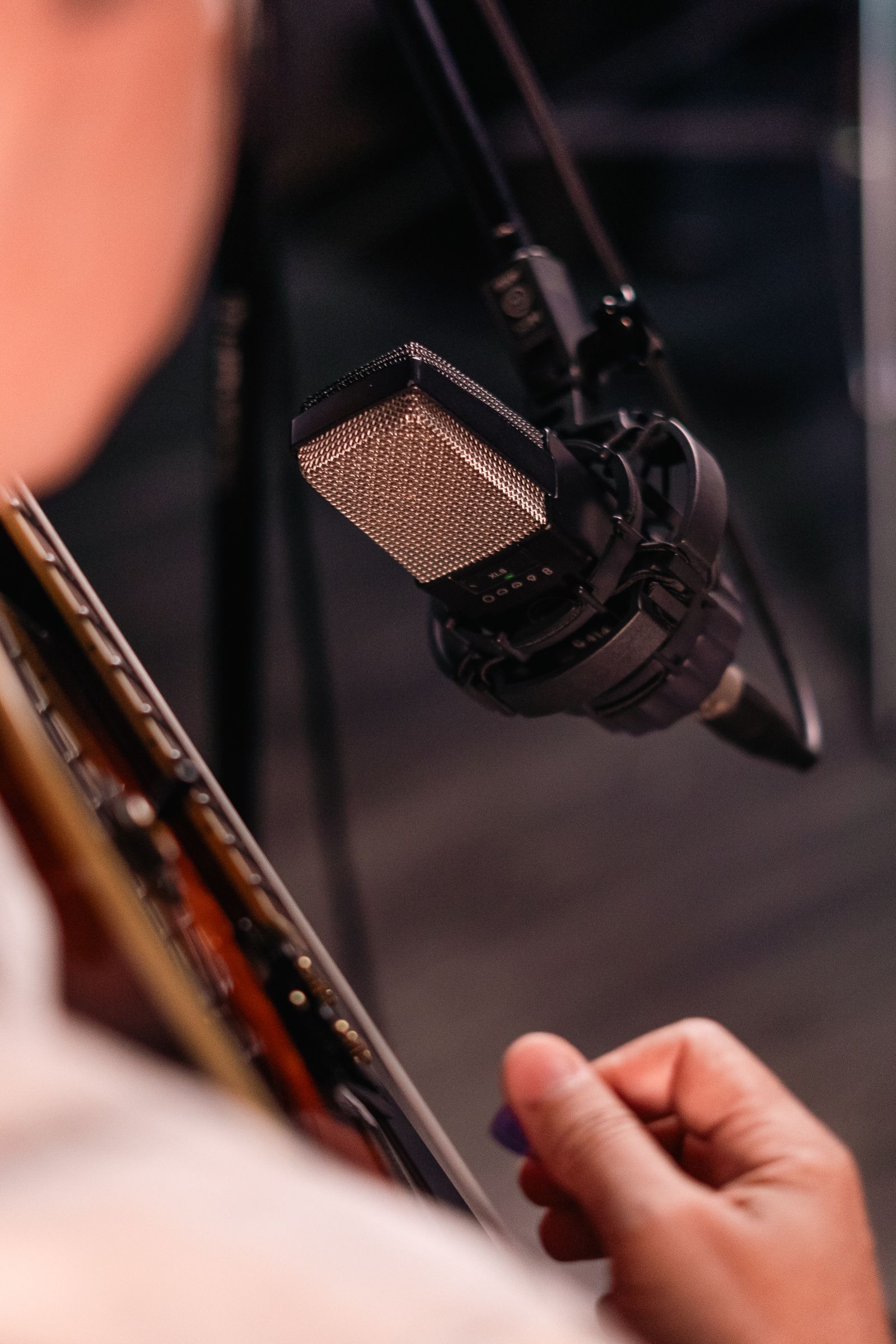
Start with one microphone and listen to several positions rather than treating the sound hole as the only target. Shure’s recording guide illustrates how different areas around an acoustic guitar offer different balances. A position toward the neck-body area, one toward the body, and a slightly more distant position provide useful comparisons without requiring a fixed universal distance.
Record the same short musical phrase at each position and label the takes. Keep the performance and playback level as consistent as possible. Listen for the balance of note definition, body resonance, picking noise, and room reflections. The preferred sound may depend on whether the guitar will stand alone or sit under a vocal and other instruments.
Check the loudest part before the full take
A gentle fingerpicked introduction does not establish the level needed for a hard-strummed chorus. Set input gain while playing the strongest intended passage and leave room for variations. Keep monitoring comfortable and inspect the recorded test for overload. If the room sounds excessive, reconsider placement before trying to remove it entirely with processing.
Once the position works, mark the stand and chair locations discreetly and take a photograph. Record a tuning check before the full performance, then avoid moving the microphone between takes unless you label the change. Consistent setup makes later editing easier because the tone does not shift unexpectedly from one phrase to another.
Add a second microphone only for a reason
If you want stereo width or a separate tonal perspective, plan the second microphone as a new arrangement and check the combined sound in mono. Do not assume two individually pleasing recordings will combine well automatically. Keep the original single-microphone test as a reference. The additional channel should serve the song rather than merely fill an unused interface input.