Connect the guitar to an instrument input
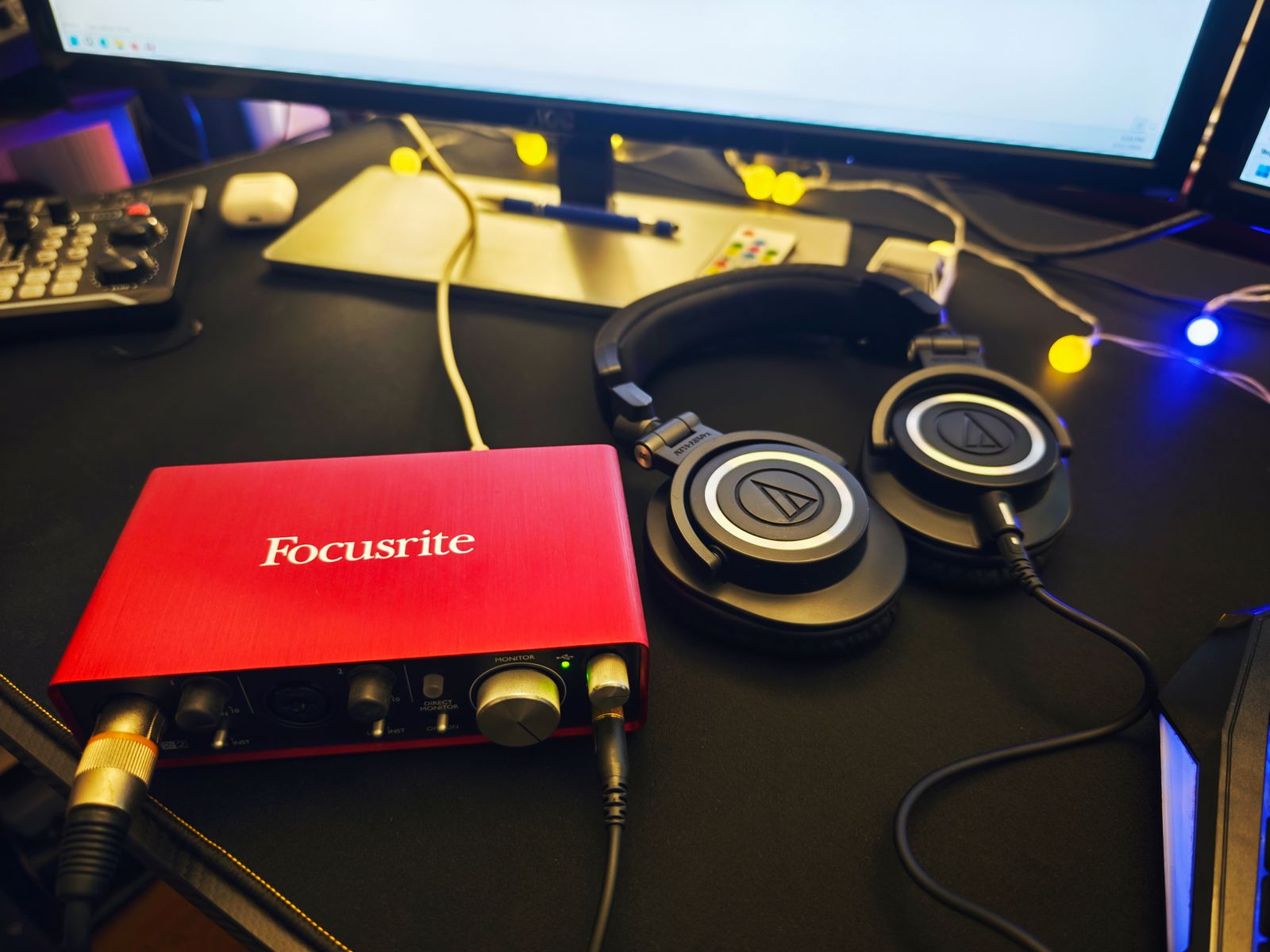
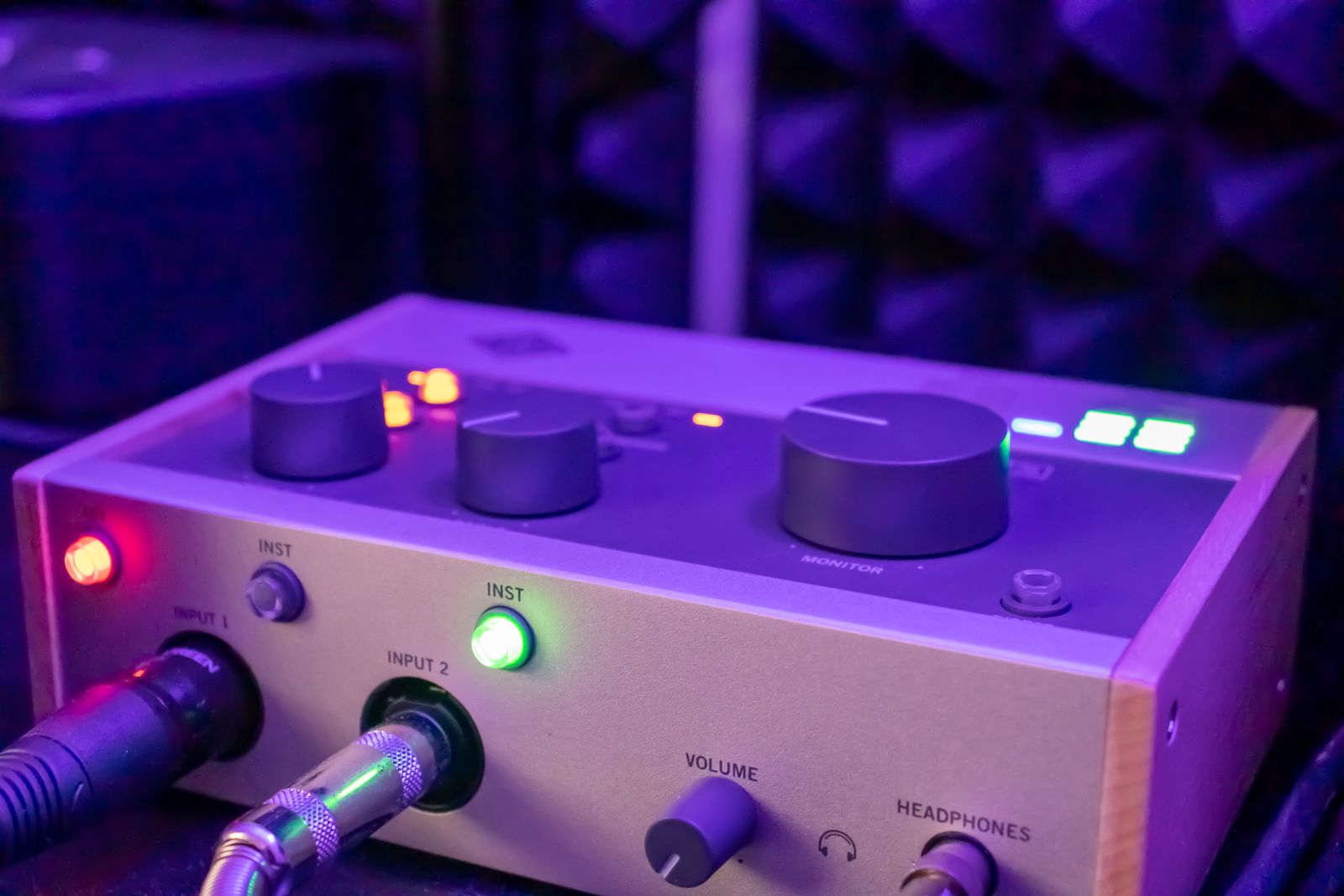
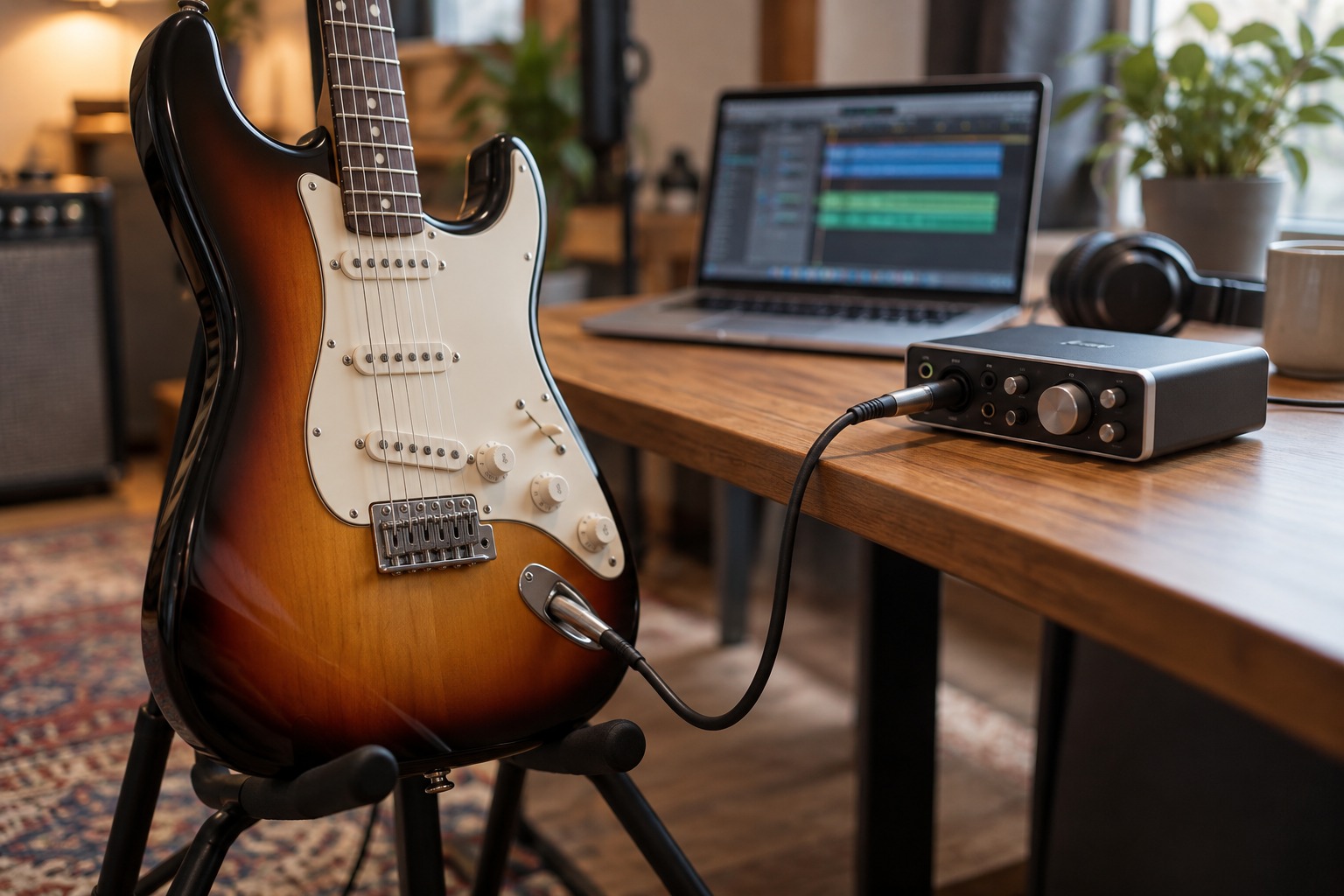
Use the interface input intended for a directly connected guitar or bass and enable its instrument or Hi-Z mode where required. Check the manual for the correct cable and input. A physical quarter-inch socket can serve several purposes, so its shape alone does not establish suitability. Focusrite’s guidance distinguishes instrument, line, and microphone inputs for this reason.
Set the guitar’s controls as you intend to use them and play the strongest passage while setting input gain. Leave room for peaks. If you change to a guitar or pedal with a substantially different output, repeat the check. A previous gain setting is a reference, not a guarantee that the new source will remain within range.
Choose whether the computer provides the tone
A direct guitar recording can sound very different from a guitar amplifier. If you use amplifier and cabinet modeling software, select the intended input and monitor through that software route. A simultaneous dry direct-monitor path may produce a distracting doubled sound, so check the interface’s monitoring arrangement.
Start with a simple preset and confirm that the plug-in is receiving the guitar before adding a complex chain. Distinguish input overload from intentional amplifier-model distortion. Lowering a plug-in’s output can control playback level but does not undo clipping already captured at the interface input. Save a short test and listen back before recording the full part.
Do not substitute a speaker output
An amplifier’s speaker output is not an interface input source. Focusrite warns that speaker-level equipment can damage line inputs. If you want to capture a real amplifier electronically, use only a recording route explicitly supported by the amplifier and any required load or attenuation equipment. A cable adapter does not make an unsafe output compatible.
For a straightforward first session, keep the path simple: guitar to suitable interface input, interface to computer, and compatible headphones or speakers for monitoring. Record the dry input when your software workflow supports it, and preserve the project settings used to create the monitored tone. This gives you a clear recording path you can troubleshoot and repeat without confusing guitar, line, and speaker connections.