Count installed sizes separately
Make a list of the libraries you actually intend to install and their documented installed sizes. Compressed downloads can be smaller than the resulting content. Installation may also need temporary space for an archive or staging files. Read the library manager's requirements instead of assuming that a drive with exactly the listed content capacity will be sufficient.
Leave working room for updates and additions you can reasonably anticipate. Avoid filling a drive to its last available space as the initial plan. Keep active recordings and project exports in the calculation if they will share the drive. A library disk and a project disk can have different roles, but that distinction needs to be deliberate.
Separate application files from content
The plug-in application and its sample content may use different installation locations. Native Access, for example, provides distinct location settings and supports a dedicated folder for large content. Follow the library vendor's workflow rather than dragging every installed folder to another disk and hoping the host will find it.
Choose a clear folder structure before the first large download. Use names that make sense across future projects, and avoid scattering individual instruments across temporary desktop folders. If a product has already been installed, use its documented relocation process so the application updates its references.
Consider the complete external connection
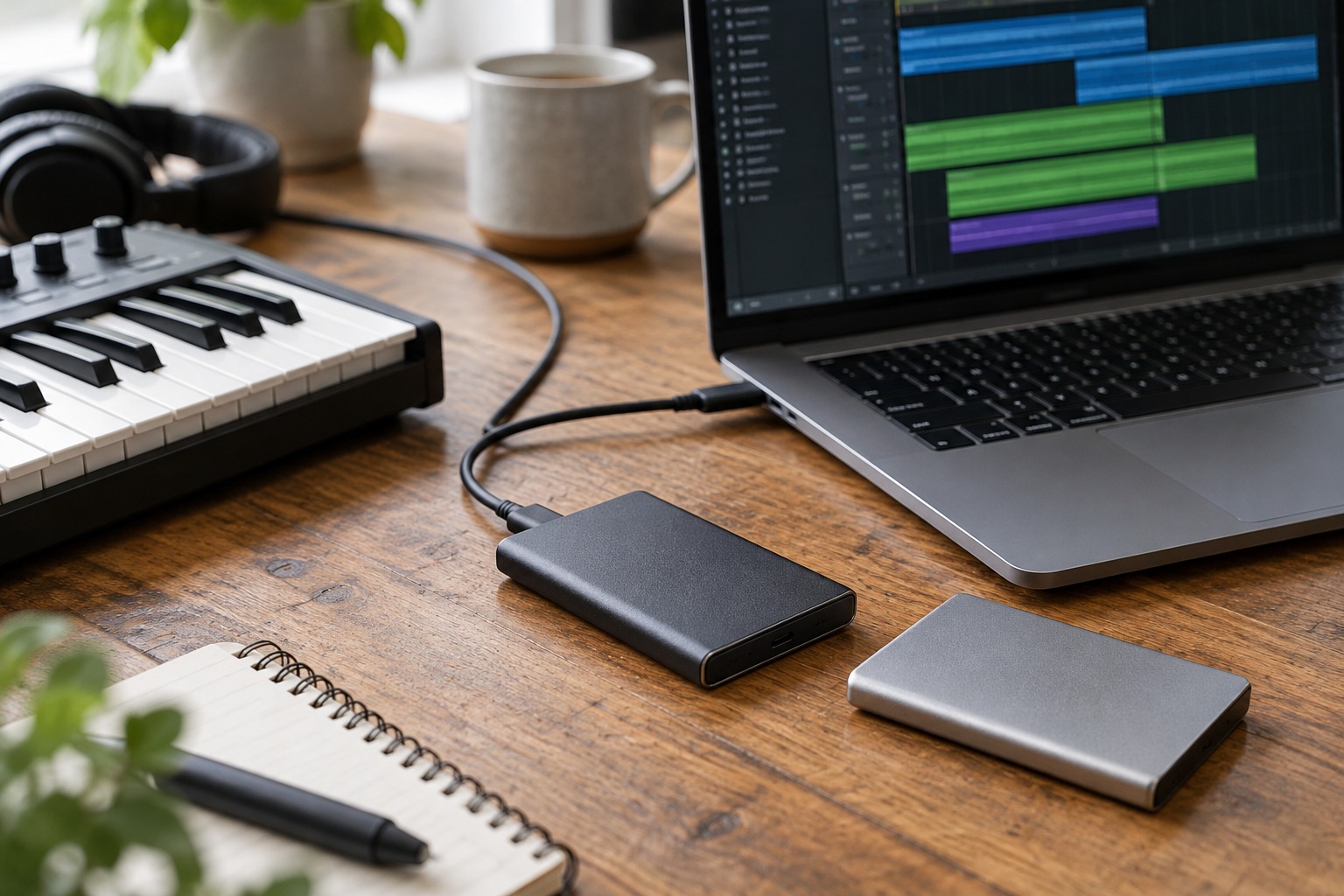
For an external SSD, check the drive, enclosure, cable and computer port as a chain. A fast drive cannot overcome every limitation elsewhere in that chain. Confirm that the library maker supports the intended storage type and file system. Do not format a disk containing needed files without backing them up first.
Keep the drive in a stable location where its cable is not pulled by a chair or controller. Connect it before opening sessions that depend on it. If you change drive names, letters or mount locations, follow the software's relinking procedure rather than creating duplicate library copies in an attempt to silence missing-file messages.
Storage is not a backup plan by itself
An external library drive can fail or be disconnected just like an internal drive. Decide what must be backed up and what can be downloaded again, taking account of access to old product versions and licenses. Your own recordings and custom samples usually deserve particular care because they may not exist anywhere else.
Before committing to a large collection, install one library, load several patches and reopen a project after restarting the computer. This checks the everyday path from storage to instrument. Capacity is important, but a modest well-organized library that opens reliably is more useful than a full disk of content whose locations are unclear.