Look for the conversion requirement
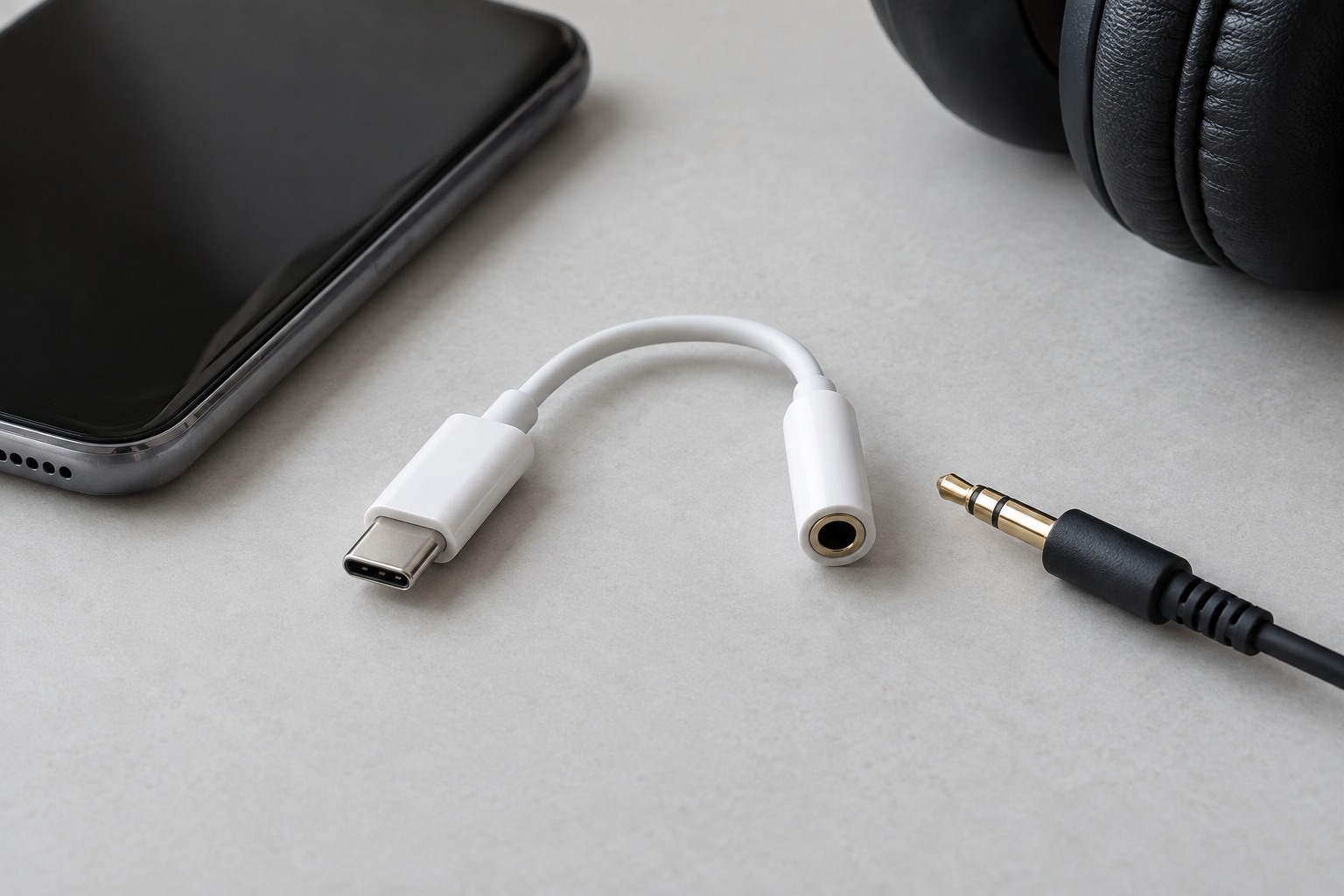
A USB-C to 3.5 mm adapter may contain a digital-to-analog converter, often abbreviated DAC. Compatibility depends on the phone’s audio implementation. Samsung’s guidance for affected Galaxy devices specifically calls for an adapter with a built-in DAC. A passive connector adapter should not be assumed equivalent just because both ends fit.
Search the phone manufacturer’s support information using the exact model name. Then compare the adapter’s supported-device list and operating-system requirements. A broad claim such as compatible with USB-C devices is less useful than a clear statement about the phone you own. Keep a screenshot or copy of that specification with the order details.
Decide which headset functions matter
If the headphones include an inline microphone, establish whether the adapter accepts that input as well as providing audio output. Check remote-button behavior separately. Playing a song successfully proves only playback; it does not establish that a call application receives the headset microphone. Use a short voice recording or test call to verify the complete route.
A charging pass-through port adds another compatibility question. Check the adapter’s supported charging arrangement and whether audio remains available while charging. Do not build a chain of unrelated splitters to obtain the same feature. For desk use, a purpose-designed compatible accessory is easier to verify than several uncertain adapters.
Inspect the mechanical fit
A thick phone case can prevent a plug from seating fully. Check the opening around the phone port and the width of the adapter’s housing. The connector should seat normally without forcing the case aside. If the adapter uses a short flexible lead, arrange it so the phone does not rest on or sharply bend the cable.
Test the adapter with the phone locked and unlocked, after reconnecting, and in the applications you actually use. Start at a low volume each time. If audio disappears, check the selected output and the manufacturer’s troubleshooting instructions before replacing unrelated equipment. Once the combination works, keep it together; a nearly identical adapter borrowed from another device may have different electronics inside.