Identify what the instrument needs
Read the product requirements for the player, library version and content size. Some libraries need a particular paid player, while others work in a supplied or free version. Check that relationship before purchasing. A library listing and a player application are not automatically a complete compatible package.
Separate the application's installation from the sample content. The plug-in must be available to the DAW, while the instrument must know where its library is stored. A session may find the plug-in successfully and still report missing samples. That is a location problem to investigate, not necessarily a failed plug-in scan.
Choose a stable content location
Use a clearly named folder on a supported drive and leave enough capacity for updates and temporary installation files. Native Instruments provides specific relocation procedures for its products; other vendors have their own. Follow the relevant manager rather than moving folders repeatedly until the error disappears.
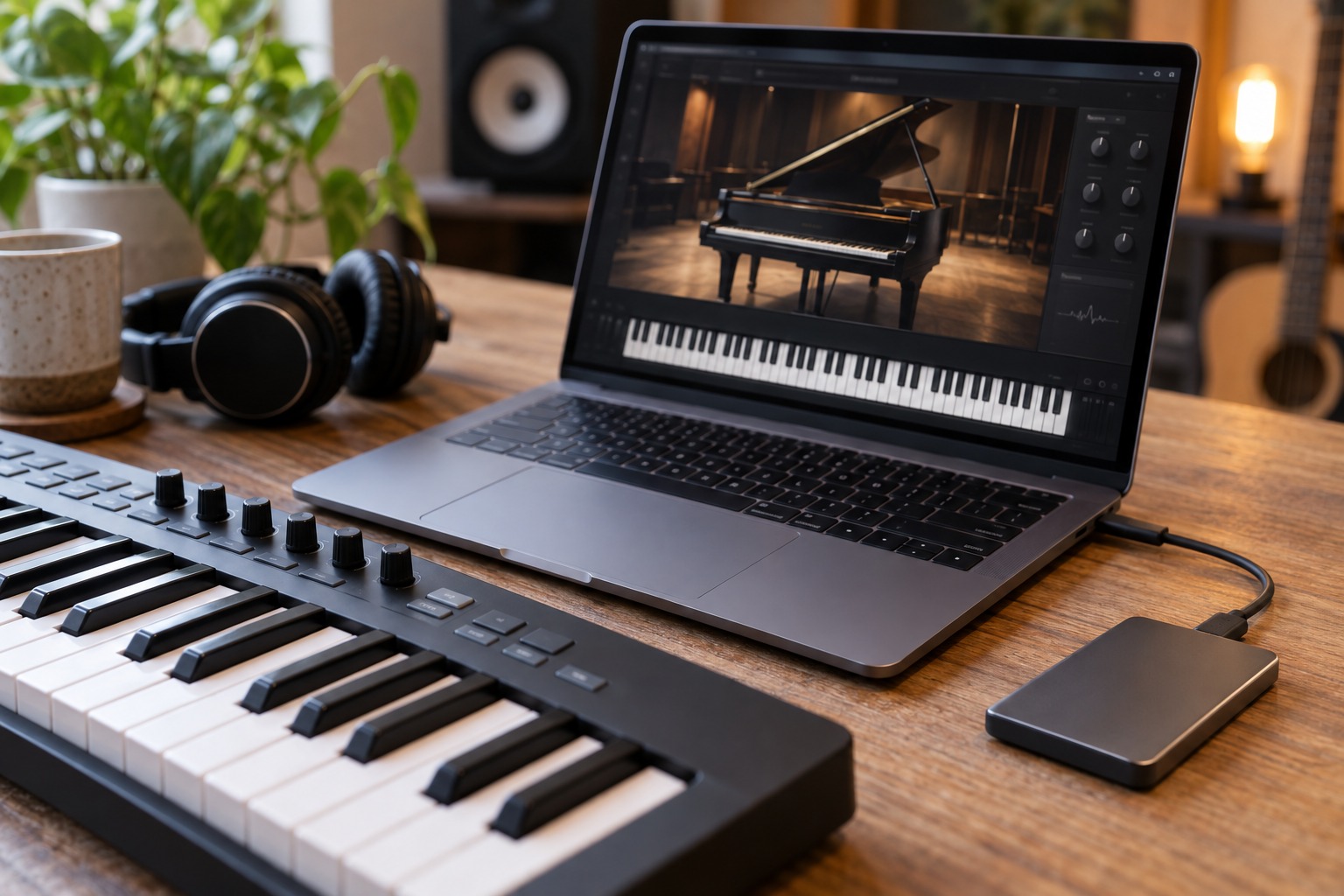
If the library is on an external drive, connect it before opening dependent sessions and keep its identity consistent. Renaming the volume or changing its path can require relinking. Avoid scattering one library across several manually rearranged folders unless the vendor explicitly supports that layout.
Move one library as a test
Back up any user-created material and follow the documented move or reinstall process. Start with one library, update its location and load several patches. Then close and reopen the host to confirm the change persists. Do not delete the old copy until the new location is verified and the vendor's instructions indicate that it is safe to do so.
Test a project that uses the library rather than only its standalone browser. A saved instrument state may expose a missing item that a freshly loaded preset does not. Keep an audio reference from before the move if the project is important, so that a version or content difference can be recognized.
Preserve your own contributions
Custom patches, recorded samples and edits may live outside the factory library folder. Identify their locations separately and include them in the backup plan. Being able to redownload a commercial library does not recover a sound you created and saved only on one computer.
For collaboration, check what the recipient is licensed to use. Do not copy a commercial sample library into a project package simply to make a session self-contained. Render the required part to audio when appropriate, or document the library and version so the other person can open it with their own compatible installation. Organized storage should make projects easier to recover without confusing file availability with permission to distribute content.