Draw the connection you need
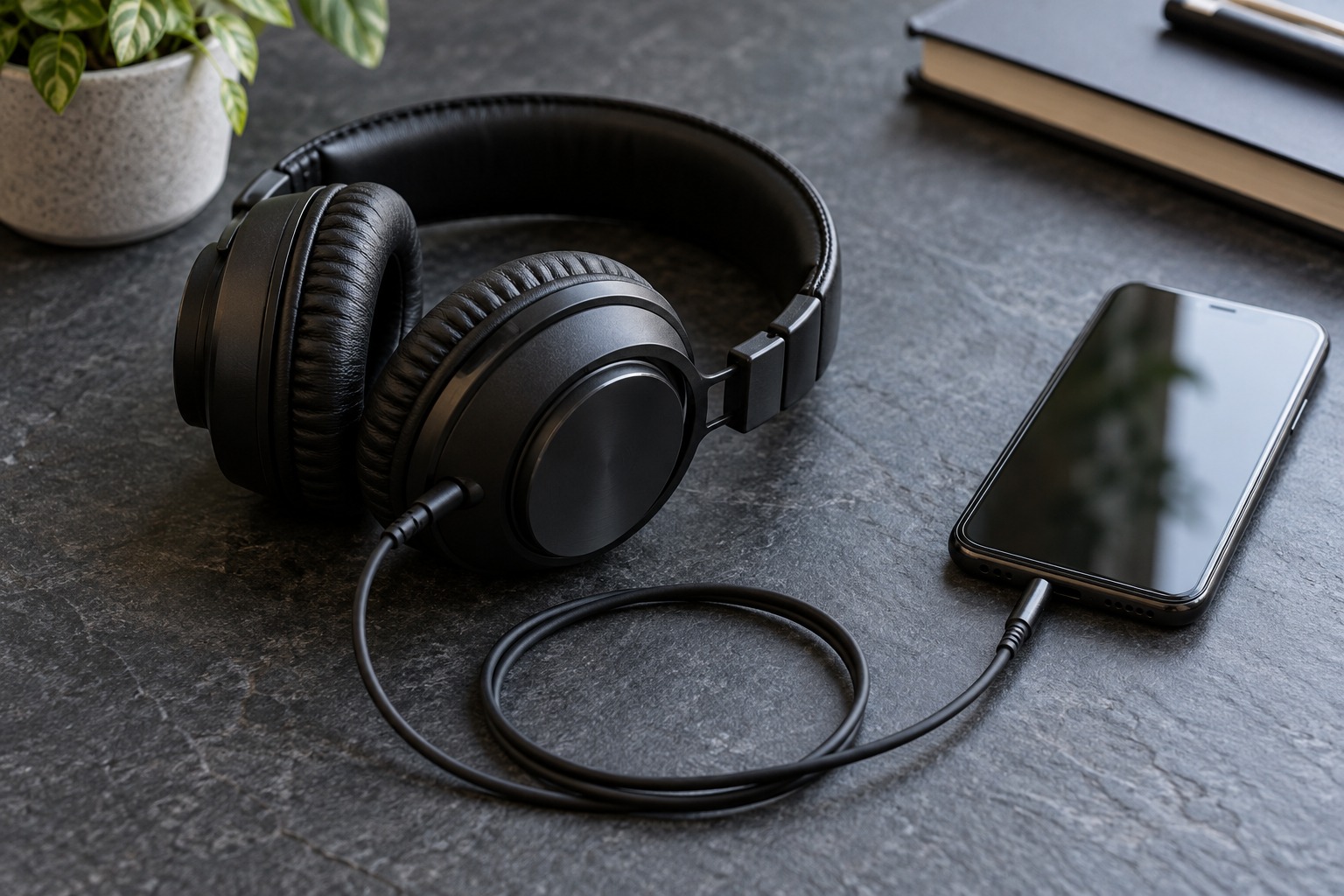
Begin at the headphones. A 3.5 mm analog plug, a Lightning plug, and a USB-C plug need different connections. Then check the phone’s port and supported audio accessories. Apple documents USB-C and Lightning headphone options for compatible devices, along with adapters for 3.5 mm headphones. Do not buy by connector appearance alone when an accessory is advertised for a particular phone family.
If the headphones have a large quarter-inch plug, check whether it unscrews to reveal a smaller plug before adding an adapter. A stack of rigid adapters can put awkward leverage on a phone port. A short flexible adapter is often easier to arrange in a pocket or on a desk, provided its electrical compatibility is confirmed.
Music, microphone, and buttons are separate checks
An adapter may play music without supporting every headset function. If you need calls, verify microphone support and the relevant headset wiring. Test play, pause, volume, and call handling separately. A product description saying audio adapter is not a promise that every inline remote will work with every phone.
Consider charging at the same time. A simple headphone adapter occupies the phone’s port, so a long desk session may require a different arrangement. If choosing a charging-and-audio accessory, confirm its supported phone models and power requirements. Do not assume that adding a generic splitter creates two fully functioning ports.
Check the pocket and desk routine
Connect everything at a low initial volume. Play a familiar track, pause it, and make a test call if that is part of the intended use. Check that audio is routed to the headphones rather than the phone speaker. Move the phone gently through the range it will occupy on the desk; an intermittent connection is a reason to inspect plugs and compatibility, not to press harder on the port.
Keep enough cable slack for reaching the phone without pulling the headphones. Avoid trapping the adapter under the phone’s weight or bending its short lead sharply at the connector. A good wired setup is the one you can connect consistently, carry comfortably, and operate without dismantling it whenever a call arrives. Expensive conversion hardware is not automatically necessary for this routine.